
Short answer: An OBDeleven VAG diagnostic tool should be assessed against the exact Volkswagen Group vehicle and the task you want to perform. The Toolfully listing identifies an OBDeleven V2 PRO OBD2 diagnostic tool, says it works with Android and iOS and lists dimensions of 8 x 8 x 3 cm. It does not provide a full VAG model list, protocol table or feature matrix. Official OBDeleven guidance names Volkswagen, Audi, Skoda, Seat, Cupra, Lamborghini and Bentley for the VAG app, while also warning that support and features depend on the vehicle. Check the official coverage before assuming a scan or coding function is available.
Understand what VAG identifies
The official OBDeleven app guidance lists Volkswagen Group brands for the VAG mobile app, including Volkswagen, Audi, Skoda, Seat, Cupra, Lamborghini and Bentley. That helps define the intended vehicle family, but it is not a promise that every model, year or module has the same support.
The Toolfully page identifies the item as an OBDeleven V2 PRO OBD2 diagnostic tool and states Android/iOS compatibility. It does not explain which VAG control units or functions are covered. Keep the device identity and the vehicle capability as separate checks.
| Compatibility layer | Evidence available | Buyer check |
|---|---|---|
| Vehicle group | Official VAG app guidance names several Volkswagen Group brands | Exact brand, model and year |
| Device | OBDeleven V2 PRO OBD2 diagnostic tool | Match the listed device to current official documentation |
| Phone | Android and iOS stated by the seller | Current app and OS minimums |
| Function | No full feature matrix on the seller page | Specific scan, data or coding task |
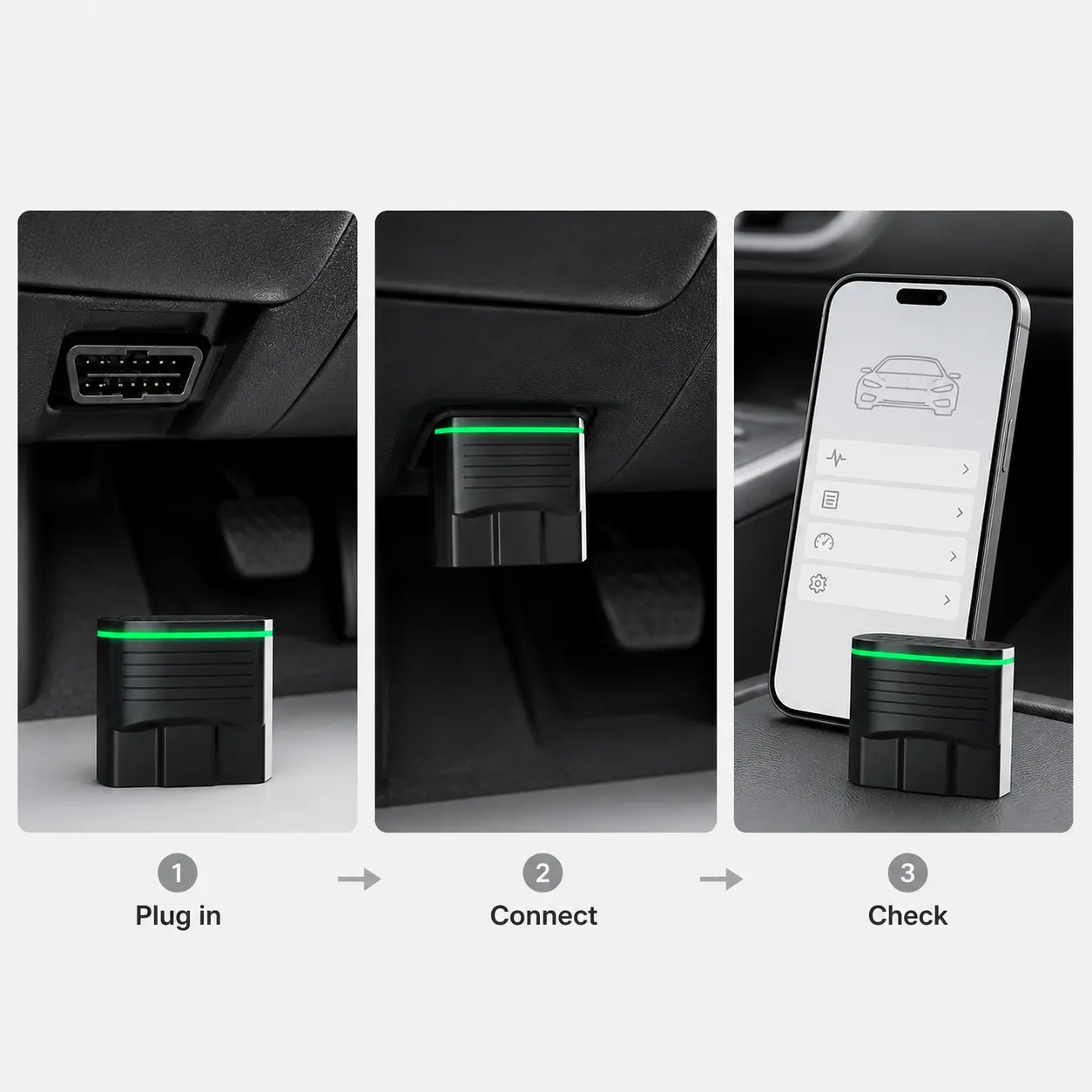
Check protocol and app details
Official OBDeleven guidance says the app is compatible with vehicles using CAN bus or KWP2000 protocols and notes that older K-line vehicles such as some older Volkswagen, Audi and related models are not currently supported in the cited guidance. That is a protocol warning, not a universal year cut-off.
Use the official VAG app for a Volkswagen Group vehicle when the current support guidance directs you there. Check the exact vehicle and requested function in the current official material, because a connector or a successful pairing does not prove module coverage.
- Record the exact VAG brand, model, year and vehicle equipment.
- Check the current official support page for the protocol and vehicle.
- Install the app named for the vehicle group and meet its phone requirements.
- Define whether you need fault reading, data, service work or coding.
- Confirm that the requested function is available for that exact vehicle.
Keep diagnostic scope within the evidence
The word diagnostic can cover several levels of work. Official OBDeleven material describes different functions and explains that what appears in the app can depend on the vehicle's equipment. A buyer should therefore name the exact outcome, such as reading a fault code, before comparing products.
Do not describe the listed tool as a guaranteed repair, coding solution or replacement for a qualified technician. The seller page does not provide that evidence, and vehicle work can have consequences beyond the app screen.
Limits before buying a VAG tool
Manufacturer does not specify a complete VAG model and module list, supported protocols, coding coverage, subscription terms, credits, update policy or minimum phone version on the current Toolfully page. Check current official OBDeleven support for each of those questions.
The listing may fit a buyer whose exact VAG vehicle, phone and task are supported. If a purchase depends on one coding change or a legacy vehicle, obtain a vehicle-specific confirmation before ordering.
Related guides and product details
For an OBDeleven VAG diagnostic tool, match the exact vehicle, protocol, app and requested function before treating the listing as suitable. Read Is OBDeleven Compatible with My Car? for related guidance. Read OBDeleven V2 PRO UK: What the Listing Confirms for related guidance. Review the documented specification on the OBDeleven V2 PRO OBD2 Diagnostic Tool product page before ordering.
Sources and safety context
- Supports the listed OBDeleven V2 PRO device, Android/iOS wording and dimensions. Current Toolfully product page.
- Supports the official VAG brand grouping and app choice. Which OBDeleven mobile app should I use for my car?.
- Supports the CAN-bus/KWP2000 and older K-line compatibility context. Volkswagen Group features in the OBDeleven app.
- Supports the official app-selection and connection sequence. How to connect my vehicle to the OBDeleven mobile app?.