
Short answer: An OBDeleven V2 PRO UK purchase should start with the exact vehicle and phone rather than the product name alone. The Toolfully page lists an OBDeleven V2 PRO OBD2 diagnostic tool, Android and iOS compatibility and dimensions of 8 x 8 x 3 cm. It does not publish a complete supported-vehicle list, feature matrix, protocol table, subscription terms or phone minimums. Official OBDeleven guidance says app choice and vehicle support vary by vehicle group, year and protocol. UK buyers should check those official details, define the one task they need and avoid treating a general OBD2 label as a guarantee of coding or diagnostic coverage.
Read the UK listing as a starting specification
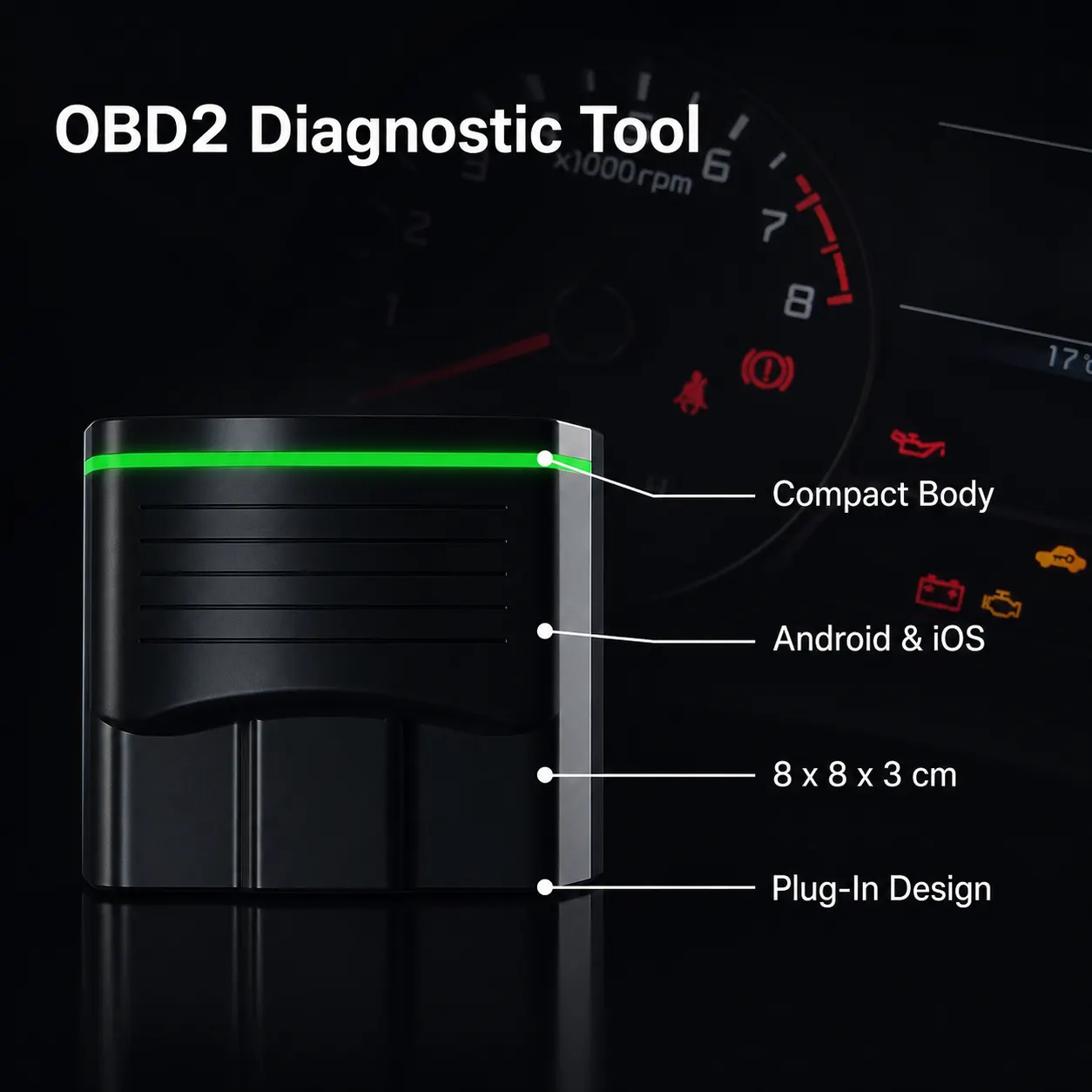
The current listing provides a short product identity: OBDeleven V2 PRO OBD2 diagnostic tool. It also states Android and iOS compatibility and gives compact dimensions of 8 x 8 x 3 cm. These facts help identify the item, but they do not describe the complete software or vehicle capability.
For a UK buyer, the key next check is the exact vehicle and the current official OBDeleven support page. Country, vehicle equipment, model year and protocol can affect what is available, so a generic marketplace description should not be used as the final compatibility test.
| Listing field | Current page | Still needed |
|---|---|---|
| Product | OBDeleven V2 PRO OBD2 diagnostic tool | Exact device generation and official documentation match |
| Phone | Android and iOS compatibility | Minimum OS and app requirements |
| Size | 8 x 8 x 3 cm | No performance conclusion follows from size |
| Vehicle support | Not fully listed | Brand, year, protocol and equipment check |
| Costs and features | Not fully listed | Plans, credits, coding and update terms |
Check phone, app and vehicle together
Official OBDeleven support publishes separate information for the VAG mobile app and the general OBDeleven app. It also publishes minimum operating-system requirements that can change over time. Check the current official requirement for the phone you intend to use rather than relying on the seller's two-platform sentence.
Official vehicle guidance says support depends on the brand, model year and protocol. Its examples also distinguish newer CAN-bus vehicles from older K-line vehicles. Use that information to filter the purchase before you worry about feature menus.
- Identify the car brand, model, year and relevant equipment.
- Open the current official vehicle-support guidance for that car.
- Select the correct OBDeleven app for the vehicle group.
- Check the current Android or iOS requirement on the intended phone.
- Confirm the exact diagnostic or coding feature before ordering.
Define the job instead of buying a label
“Diagnostic tool” can mean reading faults, clearing codes, viewing live data or using a coding feature. Official OBDeleven support says feature availability can depend on the vehicle's equipment, and One-Click Apps are not simply universal across every supported car.
A successful Bluetooth connection or a visible app listing still does not prove that a particular control unit or coding change is supported. Follow the app's current instructions and keep the vehicle manufacturer's guidance in view when working on a live vehicle system.
Limits before ordering in the UK
Manufacturer does not specify a complete vehicle list, protocols, supported functions, subscription or credit terms, update policy, connector details or minimum phone version on the current Toolfully page. Those gaps should be resolved through current official OBDeleven information.
The listing is a reasonable starting point only when the exact car, phone and intended task pass those checks. If you need a guaranteed feature, ask for confirmation tied to the specific vehicle rather than assuming the V2 PRO name covers it.
Related guides and product details
For an OBDeleven V2 PRO UK purchase, verify the exact car, phone and feature in current official support material before ordering. Read OBDeleven VAG Diagnostic Tool: Compatibility Checks for related guidance. Read Is OBDeleven Compatible with My Car? for related guidance. Review the documented specification on the OBDeleven V2 PRO OBD2 Diagnostic Tool product page before ordering.
Sources and safety context
- Supports the listed product identity, Android/iOS wording and dimensions. Current Toolfully product page.
- Supports official vehicle, year and protocol compatibility guidance. Does OBDeleven support my vehicle?.
- Supports checking current minimum Android and iOS versions. What Android/iOS versions are needed to use OBDeleven?.
- Supports the limitation that feature availability depends on vehicle compatibility and equipment. Why can't I see One-Click Apps when I connect my BMW/Toyota/Ford/Mercedes?.