
Short answer: To answer “is OBDeleven compatible with my car?”, check the exact vehicle brand, model year, protocol and app before buying the listed device. The Toolfully product page identifies an OBDeleven V2 PRO OBD2 diagnostic tool, states Android and iOS compatibility and lists dimensions of 8 x 8 x 3 cm. It does not publish a complete vehicle list or protocol table. Official OBDeleven guidance separates the VAG app from the general OBDeleven app and says support varies by brand, year and protocol. Confirm your vehicle in the official support material and treat a broad OBD2 label as a starting point, not proof of every function.
Start with the exact vehicle identity
A car-compatibility question needs more than a badge. Record the make, model, model year, engine or trim where relevant and the market in which the car was supplied. Official OBDeleven guidance says compatibility depends on brand and protocol, so a nearby model or a different year is not reliable evidence.
The Toolfully listing names the V2 PRO tool and Android/iOS compatibility, but it does not identify your vehicle or promise a particular diagnostic feature. Use the listing to identify the item, then use the official vehicle-support information to check the car.
| Check | What is documented | Why it matters |
|---|---|---|
| Device | OBDeleven V2 PRO OBD2 diagnostic tool | Identifies the listed product |
| Phone platforms | Android and iOS | The phone and app still need to meet current requirements |
| Vehicle coverage | No complete list on the seller page | Brand, year and protocol need a separate check |
| Dimensions | 8 x 8 x 3 cm | Physical size does not prove vehicle compatibility |
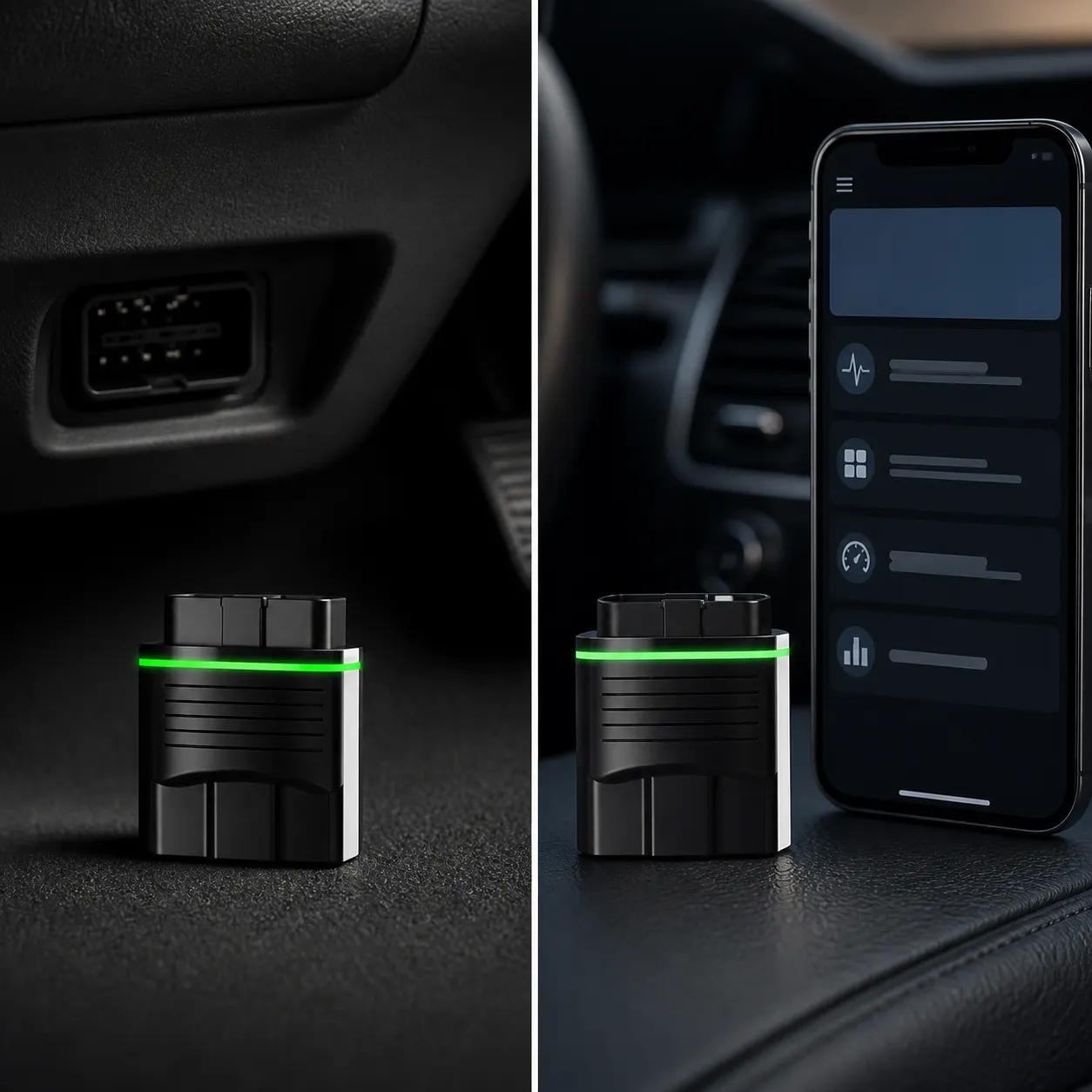
Match the official app and protocol
Official OBDeleven support says the VAG mobile app covers Volkswagen Group brands including Volkswagen, Audi, Skoda, Seat, Cupra, Lamborghini and Bentley. Its general OBDeleven app covers other listed brand groups, with availability depending on the vehicle and protocol. That distinction matters when a buyer asks about a car outside the VAG group.
Official support also notes that older K-line vehicles are not currently supported by the app described in its vehicle guidance. Do not infer support from a car having an OBD socket, and do not assume that one available app exposes every feature.
- Write down the exact car brand, model and model year.
- Use the official OBDeleven vehicle-support page to check the brand and protocol.
- Choose the VAG or general OBDeleven app named for that vehicle group.
- Check the phone operating-system requirement before installing or pairing.
- Verify the exact feature you need, because feature availability can depend on the vehicle.
Separate connection from function
A device that connects is not automatically proof that every scan, coding or One-Click App will work. Official OBDeleven support says available functions can depend on the vehicle's equipment, and its connection guidance directs users to select the device in the app after plugging it into the OBD2 port with Bluetooth enabled.
For safety, diagnostics and coding should follow the vehicle and app instructions. A seller page that states Android and iOS compatibility does not establish that the tool can change a specific control unit or solve a particular fault.
Limits before buying for your car
Manufacturer does not specify a complete vehicle list, protocol table, diagnostic coverage, coding coverage, subscription terms, credits, update policy or minimum phone version on the current Toolfully product page. Those details should be checked in current official OBDeleven documentation before ordering.
The listed tool may suit a buyer whose exact vehicle and phone pass those checks. If the purchase depends on one named coding function, a particular year range or a guaranteed repair outcome, obtain direct confirmation instead of relying on the general OBD2 description.
Related guides and product details
Check the exact vehicle, protocol, app and requested feature in official OBDeleven guidance before treating the listed V2 PRO tool as compatible. Read OBDeleven V2 PRO UK: What the Listing Confirms for related guidance. Read OBDeleven VAG Diagnostic Tool: Compatibility Checks for related guidance. Review the documented specification on the OBDeleven V2 PRO OBD2 Diagnostic Tool product page before ordering.
Sources and safety context
- Supports the listed device name, Android/iOS wording and dimensions. Current Toolfully product page.
- Supports official guidance that vehicle support depends on brand, year and protocol. Does OBDeleven support my vehicle?.
- Supports the distinction between the VAG app and the general OBDeleven app. Which OBDeleven mobile app should I use for my car?.
- Supports the protocol and feature-availability limitations described in official guidance. Volkswagen Group features in the OBDeleven app.